Google Business Profile, formerly Google My Business, is a free profile that lets your business appear in Google Search and Google Maps with its address, opening hours, phone number, photos and reviews. It is the single most important step for businesses that sell locally, and it costs nothing.
When someone searches "hairdresser Södermalm" or "electrician near me", the three businesses in the map box at the top get most of the enquiries. Which businesses end up there isn't decided by how good your website is. It's decided by your business profile.
What the profile actually does for you
A complete and active profile gives you four things that are hard to buy with money:
- A place in the map box for local searches, above the regular search results
- A panel on the right when someone searches for your company name
- Directions and a tappable phone number right on their phone
- Reviews that are visible before the visitor has even clicked through
The last one is worth pausing on. For most local services, the buying decision is made in the search results, not on the website. Four stars with thirty reviews beats five stars with two.
How to create the profile
1. Go to the right place
Search for "Google Business Profile" or go to google.com/business. Sign in with the Google account that should own the profile. Use a business account, not your personal Gmail. If staff change later, you don't want the profile stuck with someone who has left.
2. Look up your business first
Before you create anything new, search for the company name. Google automatically creates profiles for businesses based on public information, and it's common for a profile to already exist that you don't know about. If it does, request ownership instead of creating a duplicate.
Two profiles for the same business is one of the most common and most damaging mistakes. They compete with each other and split the reviews.
3. Choose your category with care
The primary category affects which searches you can appear for more than any other field. Choose the most specific one that fits: "Italian restaurant" rather than "restaurant", "roofer" rather than "construction company".
Then add secondary categories for the other things you do, but only things you actually do. Wrong categories bring the wrong kind of calls.
4. Enter your address details correctly
If you have premises that customers visit, enter the address. If you travel to customers instead (tradespeople, cleaning firms, mobile services), enter a service area and hide the address. Listing a home address as a visiting address when no one can come there breaks Google's guidelines.
5. Verify
Google usually verifies by video call or a recorded video in which you show your premises, signage and equipment. Sometimes by postcard with a code. The profile doesn't appear in the map results until it is verified, so this step isn't optional.
Have your company sign, any company vehicle and something that shows the business is real ready before you start the video verification.
Want to be more visible on Google? Read about SEO →
How to optimise the profile
Everyone creates a profile. Few maintain it, and that's where you win.
Fill in everything
Empty fields are missed searches. Opening hours, special hours on public holidays, website, phone number, payment methods, accessibility, "opened in". Google favours complete profiles, and visitors trust them more.
Write the description for people
You have 750 characters. Write what you do, for whom and where, in plain language. Avoid keyword stuffing; it has no effect and reads badly.
Upload real photos
Profiles with photos get significantly more clicks on directions and website. Use your own photos, not stock images: the premises from outside so people can find you, the premises from inside, the team, and examples of work you have done. Add new ones regularly, since activity is a signal.
Ask for reviews, systematically
Reviews are the heaviest factor you can influence. What works:
- Ask right away when the customer is happy, not a week later
- Send the link straight to the review form by text message
- Reply to every review, including the negative ones
- Never ask only for positive reviews, as that breaks the rules
A calm reply to a sour review convinces more people than the sour review puts off. Future customers read how you handle problems.
Use posts and questions
You can publish posts about offers, news and events. They appear in the profile and show that the business is alive. Under "Questions and answers" you can also ask and answer the most common questions you get yourself. That is entirely legitimate and often left unused.
Common mistakes
- Duplicate profiles: merge them
- Details that don't match the website: name, address and phone number must be identical everywhere
- A category that is too broad: "business" makes you invisible
- Unanswered reviews: they read as if no one cares
- Wrong opening hours on public holidays: annoys customers and lowers trust
- The profile sits on a personal Gmail: becomes a problem the day someone leaves
The point about identical details matters more than it sounds. A consistent name, address and phone number on the website, in the profile and in directories is one of the clearest signals Google has for judging whether a local business is real.
The profile isn't enough on its own
The business profile decides whether you appear in the map box. The website decides what happens next, and it in turn affects your ranking, because Google weighs in how relevant the site is to the town and the service.
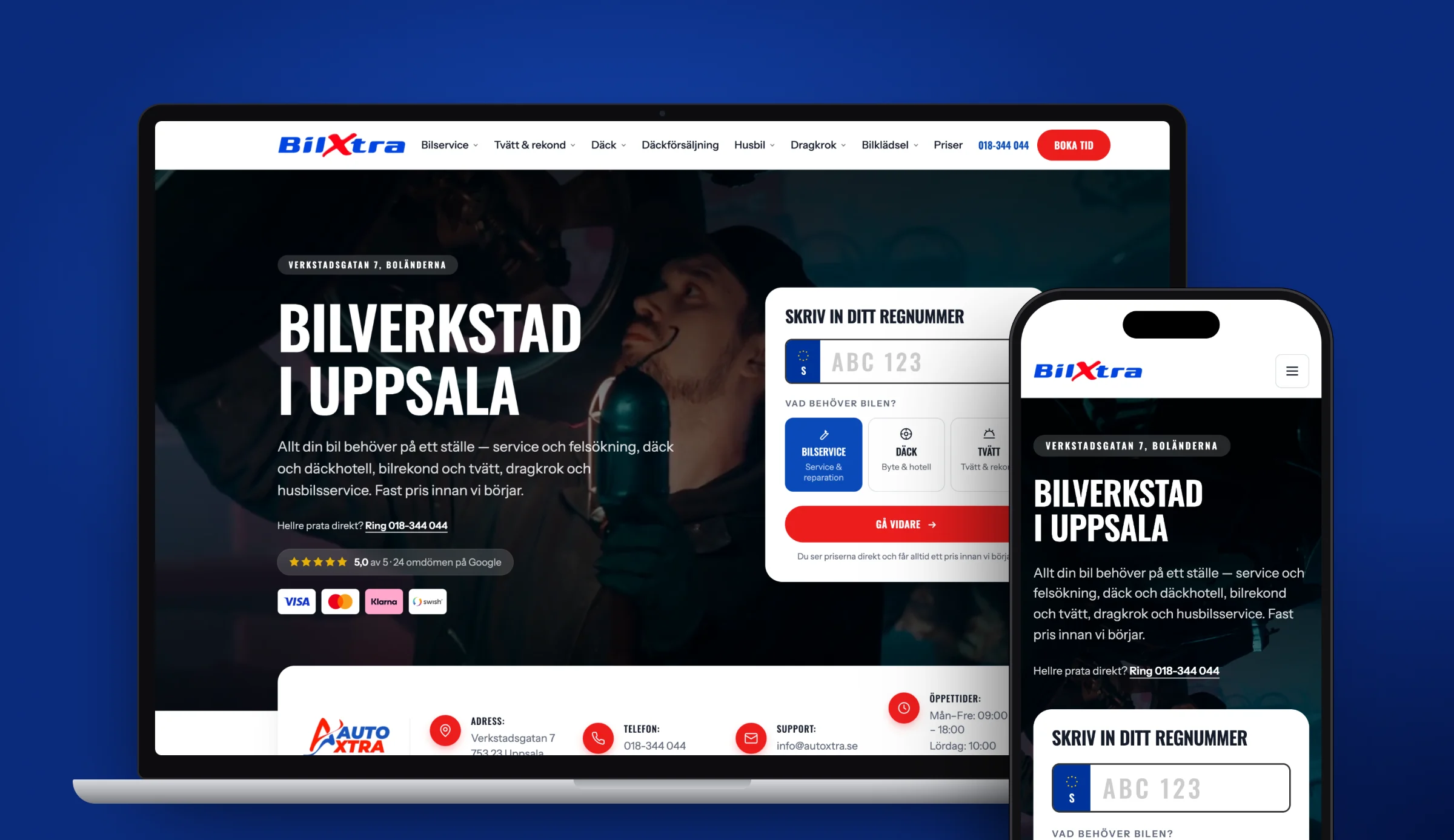
If you operate in several towns, you need a separate page per town with its own content, not the same text with the town name swapped. That is what our own Uppsala page looks like: it rests on four named client cases in the city, and it would stop being true if we swapped the town name. Read more about how the foundation fits together in our guide to what SEO is, or about how we work with search engine optimisation.
Frequently asked questions
What is Google Business Profile?
Google Business Profile, formerly Google My Business, is a free service from Google where businesses register their details: address, opening hours, phone number, photos and reviews. The profile lets the business appear in Google Search and in the map results on Google Maps.
How much does a Google business account cost?
Nothing. Google Business Profile is completely free, both to create and to use. You only pay if you choose to add advertising through Google Ads, which is a separate service.
How do I sign in to my Google Business Profile?
Search for your company name on Google while signed in to the Google account that owns the profile, and the management tool appears directly in the search results. You can also go to google.com/business. If you have forgotten which account owns the profile, you can request ownership through the profile in the search results.
How long does verification take?
Video verification often takes a few days. Verification by postcard normally takes 5–14 days. The profile doesn't appear in the map results until verification is complete, so start with that step as early as possible.
How do I get my business to rank higher in the map results?
The heaviest factors are proximity to the searcher, how complete the profile is, the number and quality of reviews, and whether your name, address and phone number are identical on the website and in directories. Choose the right primary category, fill in every field, upload your own photos and reply to every review.
Sources
Want to be more visible on Google?
We go through your site and show you what is holding it back. The review is free.