A headless CMS is a system where you write and store content, but which does not itself decide how that content looks on the site. The texts, images and pages live in the CMS. The website fetches them through an API and displays them with its own code.
The "head" is the presentation, meaning what the visitor sees. In a conventional CMS such as WordPress, content and presentation sit together in the same system. In a headless CMS the head has been removed, and the developer builds their own.
How it differs from WordPress
In a classic WordPress setup you choose a theme. The theme controls the layout, and plugins add features such as forms, booking or SEO fields. When a visitor opens a page, WordPress builds it on the spot from the database, the theme and whichever plugins are active.
In a headless setup there are two separate parts:
- The CMS, for example Sanity, Contentful or Strapi. This is where you edit the content, in an interface that resembles the WordPress admin.
- The website, often built in a framework such as Next.js. It fetches the content and generates finished HTML pages.
You can also run WordPress as a headless CMS. Then only the admin area is used for writing, and a separate frontend displays the content. This is called headless WordPress.
The advantages, in concrete terms
Faster pages
When pages are generated in advance and delivered as finished HTML from a CDN, the server does not need to build them for every visit. The difference is most noticeable on mobile and on sites with a lot of traffic.
Fewer things that can break
A typical WordPress site often has a long list of plugins that need updating and can clash with each other. In a headless setup the features are written in the code instead. There is no plugin list to keep on top of, and the public site has no login that can be attacked.
The same content in several places
Because the content is fetched through an API, the same text can be used on the website, in an app and in a newsletter. For most smaller businesses this is a minor point, but for anyone with several channels it saves duplicated work.
Better conditions for SEO
Google needs to be able to read the page's content directly in the HTML. With server-rendered pages in Next.js, headings, text and links are in the code from the start, without Google first having to run JavaScript. That removes a common source of indexing problems. Read more in our guide to technical SEO.
Need a new website? Read about web development →
The disadvantages
Headless does not suit everyone, and it comes at a cost:
- You need a developer. There are no ready-made themes to click together. Someone has to build the frontend, and new features require code rather than a plugin.
- Preview has to be built. In WordPress you see straight away how the page will look. In a headless CMS, preview has to be set up as a feature of its own.
- Two systems instead of one. The CMS and the website each have their own hosting and their own updates.
When does it pay off for a business?
Headless is worth it when at least one of the following is true:
- The site needs to rank on Google and load time matters, for example for a local service business competing for the same searches as the business next door.
- You want to get rid of plugins and the ongoing work of updating them.
- The site needs to connect to other systems, such as booking, a CRM or payments.
- You want to be able to change the design later without moving all the content.
A simple five-page business card site that rarely changes and does not need to rank for anything often does fine with an ordinary CMS or a site builder.
Which headless CMS should you choose?
The most common options differ mainly in how they are run:
- Sanity is cloud-based, has a customisable editing interface and a free tier that is enough for many smaller sites.
- Contentful is common in larger organisations with many editors and several channels.
- Strapi is open source and can run on your own server, which gives control but also more maintenance.
- Storyblok has a visual editor where you see the page while you write.
The choice of CMS usually matters less than the content model, meaning which fields and page types exist. That should be built around how you actually work.
How we do it at Solva
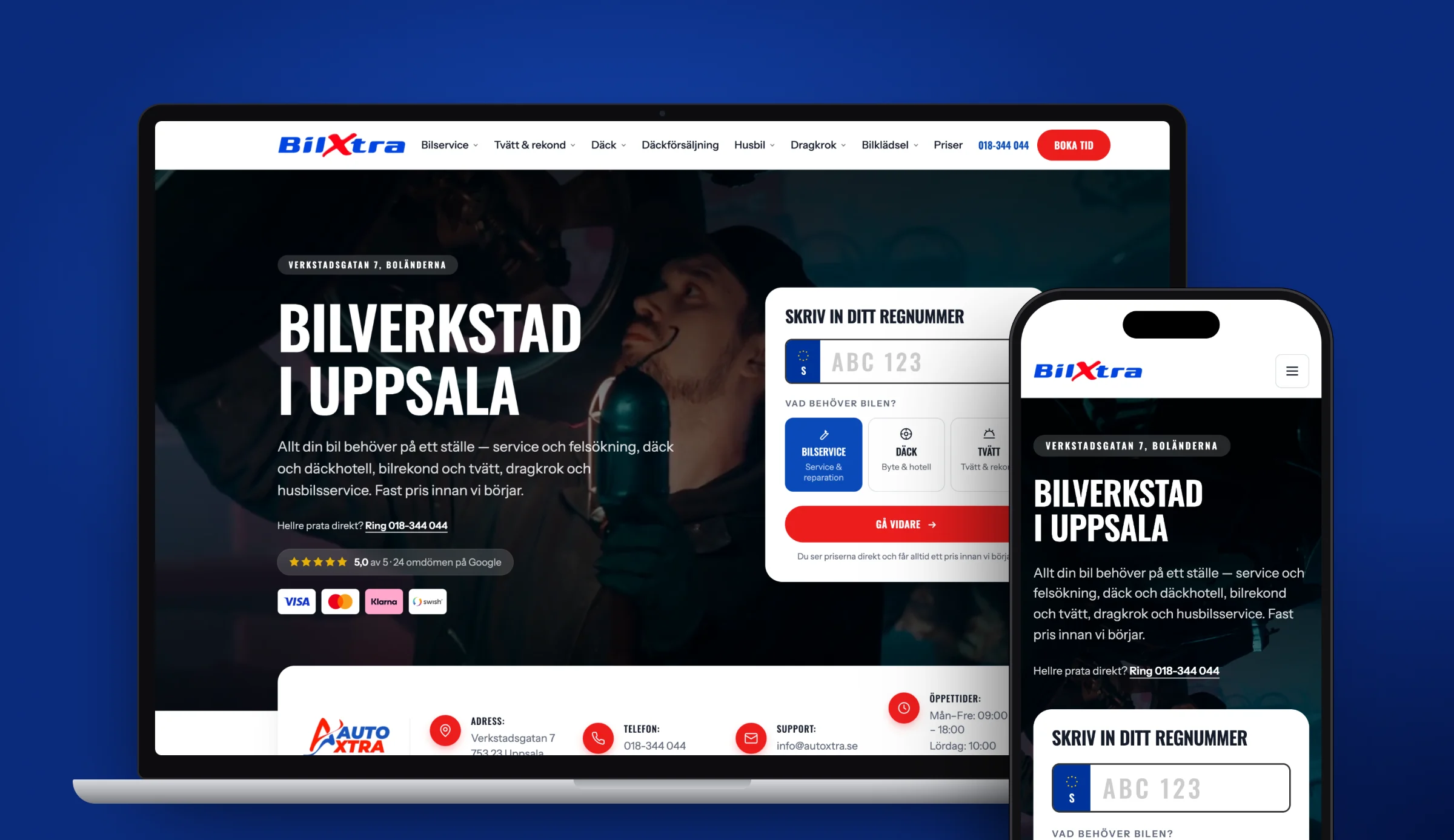
We build our sites in Next.js with the content in Sanity. Pages are rendered on the server, and the client edits texts and images themselves in Sanity without having to contact us to change a heading. If you want to know how a build like that works, read about our web development or see the results in our case studies.
Frequently asked questions
What is a headless CMS?
A headless CMS is a system for writing and storing content that does not itself control how the content is displayed. The website fetches the content through an API and displays it with its own code, so content and presentation are separated.
Is WordPress a headless CMS?
Not by default. WordPress builds both the content and the pages in the same system. You can, however, run WordPress headless, where only the admin area is used for writing and a separate frontend displays the content.
Which headless CMS is best?
It depends on what you need. Sanity suits many small and medium-sized sites and has a free tier. Contentful is common in larger organisations. Strapi is open source for those who want to run it on their own server. Storyblok has a visual editor.
Is a headless CMS better for SEO?
Not automatically. What helps SEO is that pages are delivered as finished HTML and load quickly, and that is easier to achieve with a headless setup in, for example, Next.js. A poorly built headless site can rank worse than a well-maintained WordPress site.
Can I edit the content myself in a headless CMS?
Yes. Editing happens in the CMS interface, which resembles an ordinary admin area. What requires a developer is new features and changes to the design, not changing texts and images.
Sources
Need a new website?
Tell us what you have today. After a free review you get a fixed price in writing.